
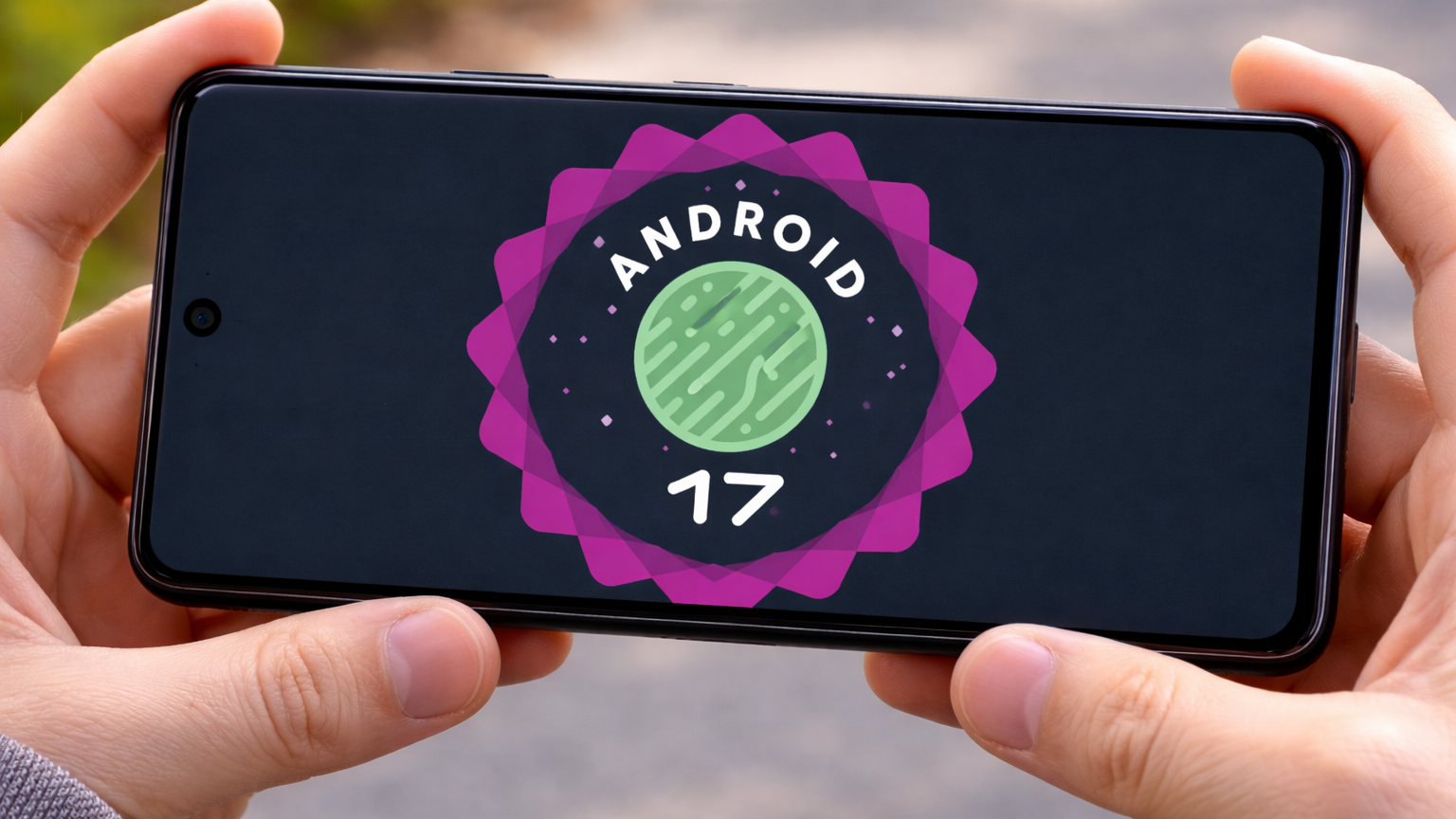
Google recently surprised the entire tech world by releasing the first Android 17 Beta 1. Consequently, the traditional mobile release calendar has been completely rewritten this year. Most enthusiasts expected a quiet February focused on minor security patches. Instead, we are currently dissecting a massive software shift. This version is internally known by the delicious codename “Cinnamon Bun.” Furthermore, it represents a strategic pivot in how Google develops its mobile ecosystem.
The software giant has effectively replaced the old “Developer Preview” phase with a new Canary channel. Because of this, public testers can now access experimental features much earlier than before. You might find this rapid pace a bit overwhelming at first. However, the benefits for the end-user experience are becoming very clear. Every new line of code seems to prioritize fluidity and cross-device harmony.

A New Era of App Adaptability
One of the most significant changes involves how apps behave on different screens. Previously, developers could opt out of certain resizing requirements for larger displays. This often led to awkward black bars on high-end foldables or tablets. Now, Android 17 makes large-screen adaptivity mandatory for all apps targeting the new SDK. Specifically, any device with a width of 600dp or more will force apps to be flexible.
This change ensures that your favorite apps look stunning on a Pixel Fold or a Galaxy Z Fold. Furthermore, developers can no longer lock their software into a single fixed orientation. Consequently, multitasking in a desktop-like environment will feel much more native and less like a workaround. Many users have been demanding this level of consistency for several years now. Therefore, this move marks a victory for the growing foldable phone market.
Mastering the Art of Continuity
Seamlessly moving tasks between devices has always been a primary goal for Google. Android 17 introduces a powerful feature simply called “Handoff.” This tool allows you to start an activity on your phone and finish it on a nearby tablet. For example, you could begin drafting a complex email while walking home. Then, you can instantly resume that same draft on your desktop-mode station.
Unlike previous iterations, this system uses a refined nearby discovery protocol. Consequently, the connection between your gadgets feels almost instantaneous and invisible. Supported apps can even resume tasks via a web link if the native app isn’t installed. Because of this versatility, the “walled garden” experience is becoming more accessible for Android users. Your digital life is no longer confined to a single piece of glass.
Professional-Grade Camera Innovations
Photography lovers have plenty of reasons to celebrate this latest beta release. Google has introduced professional-grade camera APIs that eliminate frustrating system stutters. Specifically, the system now allows for “seamless transitions” between different camera modes. Previously, switching from photo to video often caused a momentary freeze or glitch. Now, the camera session remains active and fluid throughout the entire process.
Moreover, apps can now access metadata from all active physical sensors simultaneously. This means a third-party camera app can “see” what the ultra-wide and telephoto lenses are doing at once. Consequently, zoom transitions will appear much smoother in your social media stories. Also, Google is adding a constant quality mode for video encoding. Therefore, your recordings will maintain a steady bitrate regardless of how much action is happening.
Audio and Media Refinements
The way your phone handles sound is also receiving a major “under-the-hood” overhaul. Android 17 enforces stricter background audio restrictions to prevent annoying interruptions. For instance, apps can no longer start playing audio silently while they are in the background. This prevents those sudden, loud advertisements from ruining your focused work sessions. Additionally, the system now supports Versatile Video Coding (VVC), also known as H.266.
This new codec provides better video quality while using significantly less data storage. Consequently, you can stream high-definition content without exhausting your monthly data cap. Furthermore, Google has standardized audio loudness across different applications. This means you won’t have to constantly adjust your volume when switching from YouTube to Spotify. Everything feels more balanced, controlled, and intentional within the media stack.
Performance: The “Lock-Free” Revolution
Performance junkies will appreciate the technical wizardry found in the new Message Queue. Google has implemented a “lock-free” system to reduce the number of missed frames. Basically, this prevents the processor from getting “stuck” while waiting for different tasks to finish. Consequently, scrolling through heavy websites or gaming will feel noticeably more responsive. The Android Runtime (ART) is also getting a significant boost in this version.
- Faster App Launches: Cold starts are now optimized for apps you haven’t used recently.
- Smarter Garbage Collection: The system cleans up temporary data without causing micro-stutters.
- Reduced Memory Footprint: Custom notifications now have strict size limits to save RAM.
- Improved Task Scheduling: Background processes are balanced to maximize battery longevity.
Because of these changes, even mid-range devices will feel like flagship phones. Google is clearly focused on “invisible intelligence” that works quietly in the background. Consequently, you don’t need the latest processor to enjoy a lag-free experience. This commitment to efficiency is a breath of fresh air for long-term device owners.
Privacy and the Advanced Protection Mode in Android 17
Security remains a cornerstone of the Android 17 “Cinnamon Bun” philosophy. The most notable addition is the Android Advanced Protection Mode. This is an opt-in feature designed for users at high risk of targeted cyber-attacks. Once you enable it, the system strictly blocks app sideloading from unknown sources. Furthermore, it restricts USB data access to prevent physical tampering with your device.
This mode also enforces Google Play Protect scanning at a much deeper level. Consequently, your data remains shielded even if you accidentally download a suspicious file. Beyond this, the system offers more granular permission controls for location and microphone access. You can now see exactly when an app is trying to “peek” at your sensors. Therefore, you have total control over your digital footprint at all times.
User Interface: The Liquid Glass Aesthetic of Android 17
While the update is heavy on technical changes, the UI has not been ignored. Rumors suggest a new “Liquid Glass” design language is coming to the stable release. This style features translucent panels and expressive Material 3 animations. Consequently, the interface feels more organic and responsive to your touch. The notification shade and quick settings are also being refined for better clarity.
Moreover, the flashlight tile finally allows for adjustable brightness levels directly from the menu. You can also expect separate toggles for Wi-Fi and Mobile Data to return. Many users found the combined “Internet” tile to be quite confusing and counter-intuitive. Therefore, Google is listening to community feedback to improve daily usability. These small tweaks make the OS feel more personalized and user-friendly.
Connectivity and the Future of XR
Android 17 is also preparing for the next generation of wearable technology. A new “Engagement Mode” has been added specifically for Extended Reality (XR) devices. This feature helps apps respond intelligently when you change your viewing state in a headset. Consequently, the transition between virtual and physical environments will feel much more natural. Google is clearly laying the groundwork for a more immersive digital future.
Additionally, Wi-Fi Ranging is getting a significant upgrade with proximity-detection features. This allows your phone to measure distances to nearby devices with incredible accuracy. You could use this to find your keys or unlock your car more reliably. Furthermore, new profiles for medical devices and fitness trackers have been integrated. Because of this, your health data will sync more securely and efficiently than ever before.
Is Your Device Eligible for Android 17 Beta 1?
Since this is the first beta, the list of compatible devices is currently limited. Naturally, Google Pixel owners are the first in line to test these new features. If you own a Pixel 6 or any newer model, you can join the beta program today. However, you should remember that beta software often contains bugs and stability issues. Therefore, it is usually best to avoid installing it on your primary “daily driver” phone.
| Brand | Expected Eligible Models |
| Pixel 6, 7, 8, 9, 10 Series, Pixel Fold, Pixel Tablet | |
| Samsung | Galaxy S24, S25, S26 Series, Z Fold 6/7, Z Flip 6/7 |
| OnePlus | OnePlus 12, 13, 15 Series |
| Xiaomi | Xiaomi 15, 16, 17 Series |
Other major manufacturers like Xiaomi and OnePlus will likely follow with their own betas soon. Consequently, the wider Android community will get a taste of Cinnamon Bun by the summer. For the final stable release, we should wait until June 2026. This earlier-than-usual timeline suggests that Google wants to harmonize its software with new hardware launches.
Step by Step Process to Enroll Android 17 Beta
Enrolling your Pixel is a straightforward process, but it requires a few specific steps to ensure your data stays safe. Since Android 17 Beta 1 is now live as of February 2026, here is exactly how you can get “Cinnamon Bun” running on your device.
Step 1: Check Your Eligibility
Before starting, ensure your device is on the supported list. Google has officially opened the beta for the following models:
- Pixel 6, 6 Pro, and 6a
- Pixel 7, 7 Pro, and 7a
- Pixel 8, 8 Pro, and 8a
- Pixel 9, 9 Pro, 9 Pro XL, and 9 Pro Fold
- Pixel 10, 10 Pro, 10 Pro XL, and 10 Pro Fold
- Pixel Fold and Pixel Tablet
Step 2: The Official Enrollment
- Visit the Portal: Open your browser and navigate to the Android Beta Program website.
- Sign In: Use the same Google Account that is primary on your Pixel device.
- Opt-In: Scroll down to the “Your eligible devices” section. Click the Opt-in button next to your specific phone.
- Accept Terms: Review the warnings (remember, this is beta software!) and agree to the terms of service.
Step 3: Install the Update
Once you have opted in online, your phone will receive a notification within minutes (though it can sometimes take up to 24 hours).
- Go to Settings > System > Software Update.
- Tap System Update and then Check for update.
- The Android 17 Beta 1 should appear. Tap Download and install.
- Restart: Once the download finishes, your device will prompt you to restart to complete the installation.
Important Safety Tips
Back Up Your Data: While this update shouldn’t wipe your phone, leaving the beta program later will require a factory reset. Always back up your photos and files to Google Drive or a PC first.
Battery Life: Expect some initial “settling” where your battery might drain faster as the system optimizes the new code.
Final Thoughts on the Android 17 Beta 1 Launch
In conclusion, Android 17 is shaping up to be a masterclass in platform refinement. It doesn’t just add “fluff” or unnecessary features to the user interface. Instead, it addresses long-standing issues like app scaling and system latency. Because of the new Cinnamon Bun philosophy, the OS feels more cohesive across various form factors. Whether you use a tiny phone or a massive tablet, the experience remains consistent.
The introduction of the Canary channel shows that Google is confident in its development pace. Furthermore, the focus on privacy and professional camera tools makes this a compelling update. You might not see all the changes on the surface immediately. However, you will certainly feel them in the responsiveness of your device. We are incredibly excited to see how this version evolves during the upcoming months.




Leave a Reply