
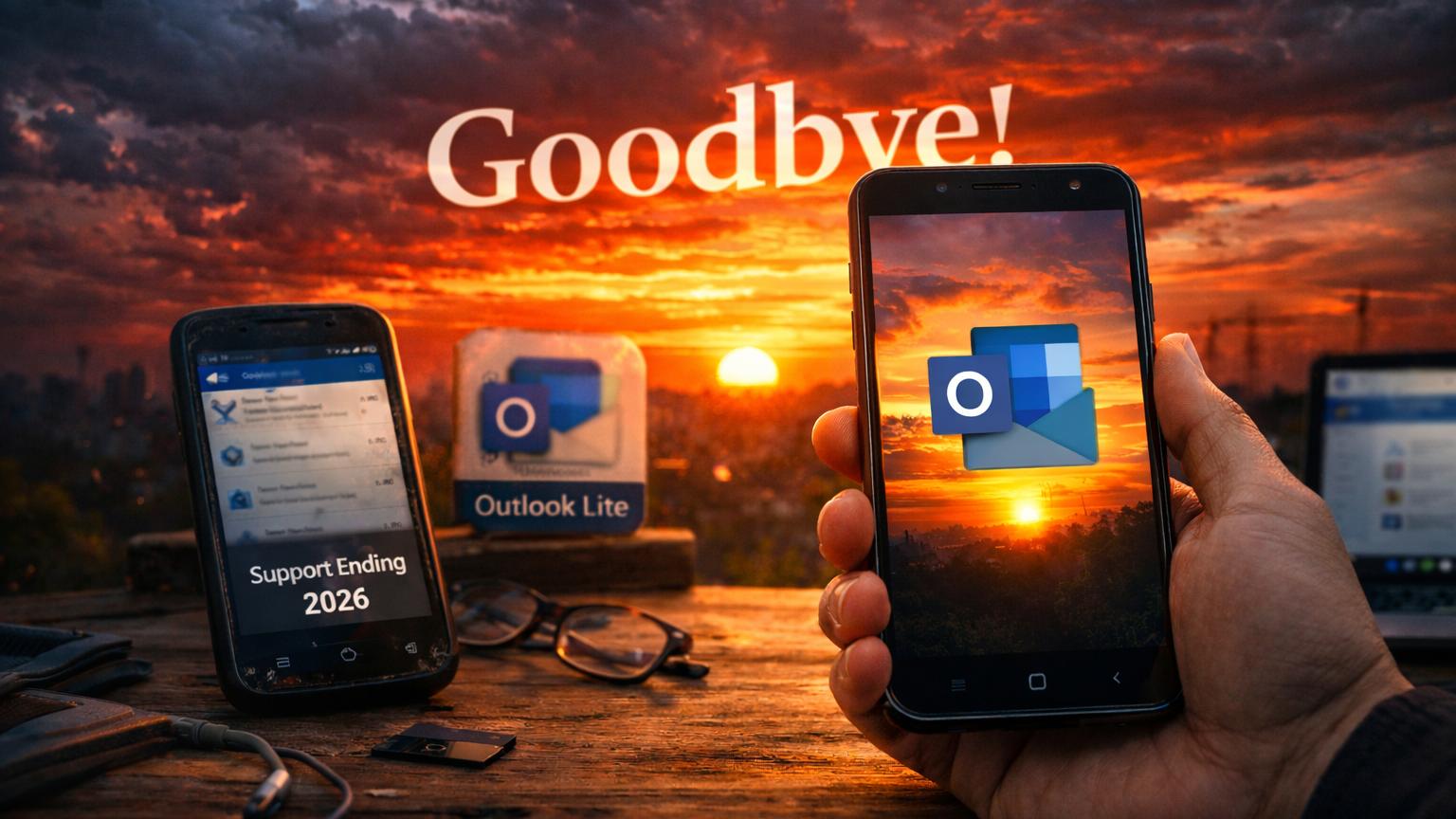
The tech world moves incredibly fast lately. Microsoft recently announced a major change for mobile users: the Outlook Lite’s Farewell. This decision marks the end of a unique era. Consequently, many users must now find a new home for their emails. The app served a very specific purpose for millions. Indeed, it provided access where full apps often failed.

However, the sunset date is now firmly set. Support for Outlook Lite ends on May 25, 2026. After this date, the app will lose its functionality. Specifically, users will no longer see their mailboxes there. Furthermore, the software will stop syncing any new data. Microsoft is now pushing everyone toward their primary mobile app. Therefore, it is time to prepare for this big transition.
Why We Loved the Little App
Outlook Lite launched nearly four years ago with great fanfare. It targeted users with entry-level Android smartphones specifically. Furthermore, it worked perfectly on very slow cellular networks. Most users in emerging markets relied on its efficiency. The app required less than five megabytes of storage space. Moreover, it used very little battery power during the day. This made it a favorite for many travelers.
Additionally, the interface remained clean and very easy to navigate. It lacked the heavy graphics found in the standard version. Consequently, it felt lightning fast on older hardware. Even with 1GB of RAM, the app performed smoothly. Therefore, it bridged a massive gap in the digital landscape. It allowed everyone to stay connected regardless of their budget. Essentially, it was a masterpiece of software optimization.
The Road to the Retirement
The process of winding down began quite some time ago. Microsoft actually stopped all new downloads in October 2025. Consequently, new users could not find it on the Play Store. Meanwhile, existing users could continue using the app as normal. However, this grace period is now reaching its final stage. Microsoft issued a final warning to all its remaining users. Indeed, they want to focus all efforts on one app.
Moreover, the company believes the main app is now better. They have optimized the standard Outlook Mobile significantly recently. Therefore, they feel a separate lite version is no longer necessary. This move helps the developers maintain a single code base. Furthermore, it ensures everyone receives the same security updates. Consequently, the “Lite” experiment is officially coming to a close. Most experts saw this consolidation coming from a mile away.
Moving to the Main Outlook App
Transitioning to the standard app is actually quite simple. Your emails and calendars live in the cloud, not the app. Therefore, logging into the main app restores all your data. You simply need to download the full Outlook for Android. Furthermore, the setup process takes only a few short minutes. Consequently, you will not lose any important messages or meetings. Microsoft ensures that the migration remains as painless as possible.
However, some users might worry about their phone’s performance. The main app is definitely larger than the Lite version. Nevertheless, Microsoft has worked hard to reduce its overall footprint. They claim the new version runs well on most devices. Additionally, they added several performance modes to help slower phones. Thus, you can still enjoy a fast experience on hardware. Essentially, the “Big Brother” app has learned many Lite tricks.
Exploring the New 2026 Features
The standard Outlook app now boasts incredible new features. Specifically, Microsoft integrated the Copilot AI into every single corner. This AI helps you draft professional emails very quickly. Moreover, it can summarize long threads in just seconds. This saves a massive amount of time during busy workdays. Consequently, the mobile experience feels much more powerful than before. Indeed, productivity has reached a brand new level this year.
Furthermore, the 2026 update introduced improved offline capabilities. You can now organize your folders without any internet connection. Subsequently, the app syncs your changes once you go online. This was a feature people loved in the Lite version. Therefore, Microsoft made sure to include it in the main app. Additionally, the new search folders make finding emails much easier. In short, the feature set is now truly impressive.
Bridging the Global Digital Divide
Many critics worry about the impact on developing nations. Outlook Lite was a lifeline for users in rural areas. Specifically, it functioned well on 2G and 3G connections. Consequently, these users might feel left behind by this change. However, global network speeds are generally improving every single year. Microsoft argues that 4G is now the global standard anyway. Therefore, they believe the main app can handle these networks.
Nevertheless, the digital divide remains a very serious global issue. High-end apps often require expensive hardware to run properly. In contrast, Lite apps allowed older phones to stay useful. Consequently, removing this option might force some into upgrading early. Furthermore, data costs remain very high in several different countries. Thus, the extra data usage of a larger app matters. Essentially, this change tests Microsoft’s commitment to universal access.
Technical Performance Under the Hood
The main Outlook app has undergone a total transformation. Developers used new compression techniques to save storage space. Consequently, the initial download size is now much smaller. Moreover, the app manages memory usage much more efficiently now. It clears its own cache to keep the phone snappy. Therefore, it does not slow down the entire operating system. This technical progress is what allowed the Lite retirement.
Additionally, the app now uses a modular design approach. Specifically, it only loads the features that you actually use. This prevents the processor from working too hard on tasks. Furthermore, the background sync process is now much more intelligent. It waits for Wi-Fi to download large attachments automatically. Consequently, your mobile data plan stays safe from unexpected charges. Truly, the engineering team has performed a small miracle here.
User Feedback and the Current Mood
The community reaction to this news has been mixed. Many long-time Lite users feel quite frustrated by the change. Specifically, they enjoy the simplicity of the smaller app. Furthermore, they worry about the complexity of the full version. However, younger users seem excited about the new AI tools. They want the latest features on their mobile devices today. Consequently, the user base is currently split into two camps.
Moreover, social media threads are full of helpful transition tips. Enthusiasts are sharing ways to optimize the full Outlook app. Therefore, the community is helping each other through the process. Meanwhile, tech bloggers are busy comparing the two different versions. They point out that the main app is quite stable. Indeed, most users find the transition easier than they expected. Eventually, everyone will likely adapt to the new mobile reality.
Alternatives Beyond the Microsoft Echo
If you still prefer a lite experience, alternatives exist. Specifically, the Gmail Go app remains a very popular choice. It offers basic email functions with a very small footprint. Furthermore, Proton Mail provides a very secure and lightweight app. Consequently, you have several options outside of the Microsoft ecosystem. You might find that another client suits your needs better. Therefore, do not feel restricted to just one single app.
However, moving away from Outlook might disrupt your workflow. Many people rely on the deep integration with Microsoft 365. For example, the calendar sync is vital for business users. Consequently, switching apps might create some annoying synchronization issues. Moreover, your IT department might require you to use Outlook. Thus, you should check your company’s policy before switching. In the end, the choice depends on your specific needs.
Microsoft’s Unified Mobile Strategy behind the Outlook Lite’s Farewell
This move fits into a much larger corporate strategy. Microsoft wants a unified experience across all different platforms. Specifically, they want Outlook to look the same everywhere. This consistency helps users switch between their PC and phone. Furthermore, it makes training employees much faster for large companies. Consequently, having two different apps was becoming a distraction. Therefore, they decided to consolidate everything into one powerful tool.
Additionally, this strategy allows for faster innovation for everyone. Developers can now focus on a single set of features. Moreover, they can fix bugs much more quickly than before. This leads to a more stable experience for all users. Consequently, the overall quality of the app should improve significantly. Truly, the company is betting on quality over simple variety. We are seeing a more focused and leaner Microsoft today.
A Final Practical Guide for You on the Outlook Lite’s Farewell
You should start your transition before the May deadline. First, download the main Outlook app from the Play Store. Then, sign in with your existing Microsoft account credentials. Furthermore, take a moment to explore the new settings menu. Specifically, look for the “Data Saver” and “Performance” options. These settings will help the app run like the Lite version. Consequently, you will feel right at home very quickly.
Additionally, make sure to sync your contacts and calendars. This ensures that your entire schedule moves over correctly. Moreover, check if your favorite features are still there. You might find that the AI summaries are very helpful. Therefore, give the new tools a fair chance to impress. Finally, uninstall the Lite app to save some extra space. Essentially, you are now ready for the future of mobile.
Outlook Lite’s Farewell: Wrapping It All Up Today
The end of Outlook Lite is certainly a bittersweet moment. It served as a reliable companion for millions of people. However, technology must continue to move forward and evolve. Microsoft is confident that the main app is now ready. Indeed, it offers a more complete and secure email experience. Consequently, we should embrace the new tools and features provided. Therefore, let us look forward to the next tech chapter.
Furthermore, the lessons from the Lite app will remain. It taught developers that efficiency and speed are incredibly vital. Moreover, it highlighted the importance of serving the entire world. Consequently, these principles will likely influence future Microsoft software designs. Thus, the spirit of Outlook Lite lives on in spirit. We are seeing a smarter and more unified mobile world. Enjoy your new and improved inbox starting this week!
The Role of AI in Your Inbox
We cannot discuss 2026 without mentioning artificial intelligence again. Specifically, the new Outlook uses AI to protect your privacy. It identifies phishing attempts much better than older systems could. Furthermore, it organizes your “Focused” inbox with incredible personal accuracy. Consequently, you only see the messages that truly matter most. This reduces the noise in your digital life significantly today. Indeed, the AI acts as a digital personal assistant.
Moreover, the Copilot tool can now translate emails instantly. This feature is a game-changer for international business communication. Therefore, language barriers are disappearing within the Outlook app itself. Additionally, you can ask the AI to find specific documents. It searches through your emails and your OneDrive files simultaneously. Consequently, you never lose a file in a thread again. Truly, the inbox has become a very smart command center.
Impact on Battery and Hardware Longevity after the Outlook Lite’s Farewell
Many users worry about the lifespan of their older devices. Specifically, they fear that heavy apps will drain their batteries. However, modern software is surprisingly good at managing power consumption. Microsoft uses advanced background restrictions to save your phone’s juice. Furthermore, the app goes into a deep sleep when closed. Consequently, your phone should still last through the entire day. This was a major goal for the 2026 update.
Additionally, the main app helps keep your device storage clean. It automatically manages old attachments to save your internal space. Moreover, it offloads rarely used data to the secure cloud. Therefore, your phone’s storage does not fill up with junk. This prevents the common “storage full” errors on cheaper phones. Consequently, your older hardware can remain useful for much longer. In essence, software efficiency has reached a very high peak.
Outlook Lite’s Farewell: Future Outlook for Mobile Productivity
As we look toward 2027, the roadmap looks bright. Microsoft plans to integrate even more collaboration tools into Outlook. Specifically, Teams and Loop will become part of the experience. Furthermore, the app will offer better integration with wearable devices. Consequently, checking your mail will become even more seamless. Therefore, the transition away from Lite is just the beginning. We are moving toward an interconnected and intelligent mobile ecosystem.
Moreover, the company promises to keep the app accessible. They know that speed is still the top priority. Consequently, they will continue to optimize the core code base. They want to ensure that every user feels valued globally. Therefore, the focus on performance will never truly go away. Indeed, the goal is to make the “Main” app “Lite.” Essentially, we are getting the best of both worlds now. The future of mobile email looks faster than ever.
Conclusion on the Outlook Lite’s Farewell
In summary, the retirement of Outlook Lite is inevitable now. Microsoft is making a bold move toward a unified app. However, they are providing a very powerful alternative for us. Specifically, the main Outlook app is now faster and smarter. Furthermore, it includes revolutionary AI tools to help us work. Consequently, the benefits of switching far outweigh the initial costs. Therefore, it is time to say goodbye to the past.
Indeed, we should be excited about what comes next. The mobile experience in 2026 is truly light years ahead. Moreover, staying updated ensures we remain secure and efficient daily. Consequently, our digital lives will become much more manageable soon. Therefore, take the leap and download the new app today. You will likely find that you don’t miss “Lite” much. Happy emailing to everyone in this new and bright era!
The narrative of Outlook Lite ends here, but your journey continues. Transitioning can feel like a chore, but it is necessary. Use the tools provided to make your life easier now. The world of mobile email is waiting for your input. Consequently, you are the master of your own digital workspace. Therefore, go forth and conquer your inbox with total confidence. The future is finally here for all of us to enjoy.



Leave a Reply