

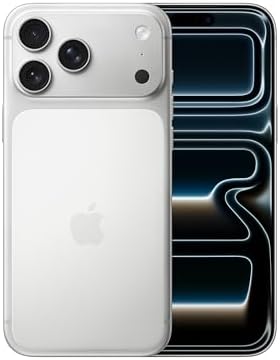
- UNIBODY DESIGN. FOR EXCEPTIONAL POWER.—Heat-forged aluminum unibody design for the most powerful iPhone ever made.
- DURABLE CERAMIC SHIELD. FRONT AND BACK.—Ceramic Shield protects the back of iPhone 17 Pro Max, making it 4x more resista…
- THE ULTIMATE PRO CAMERA SYSTEM—With all 48MP rear cameras and 8x optical-quality zoom—the widest zoom range ever in an i…
Global Launch Strategy and Core iOS 27 Features
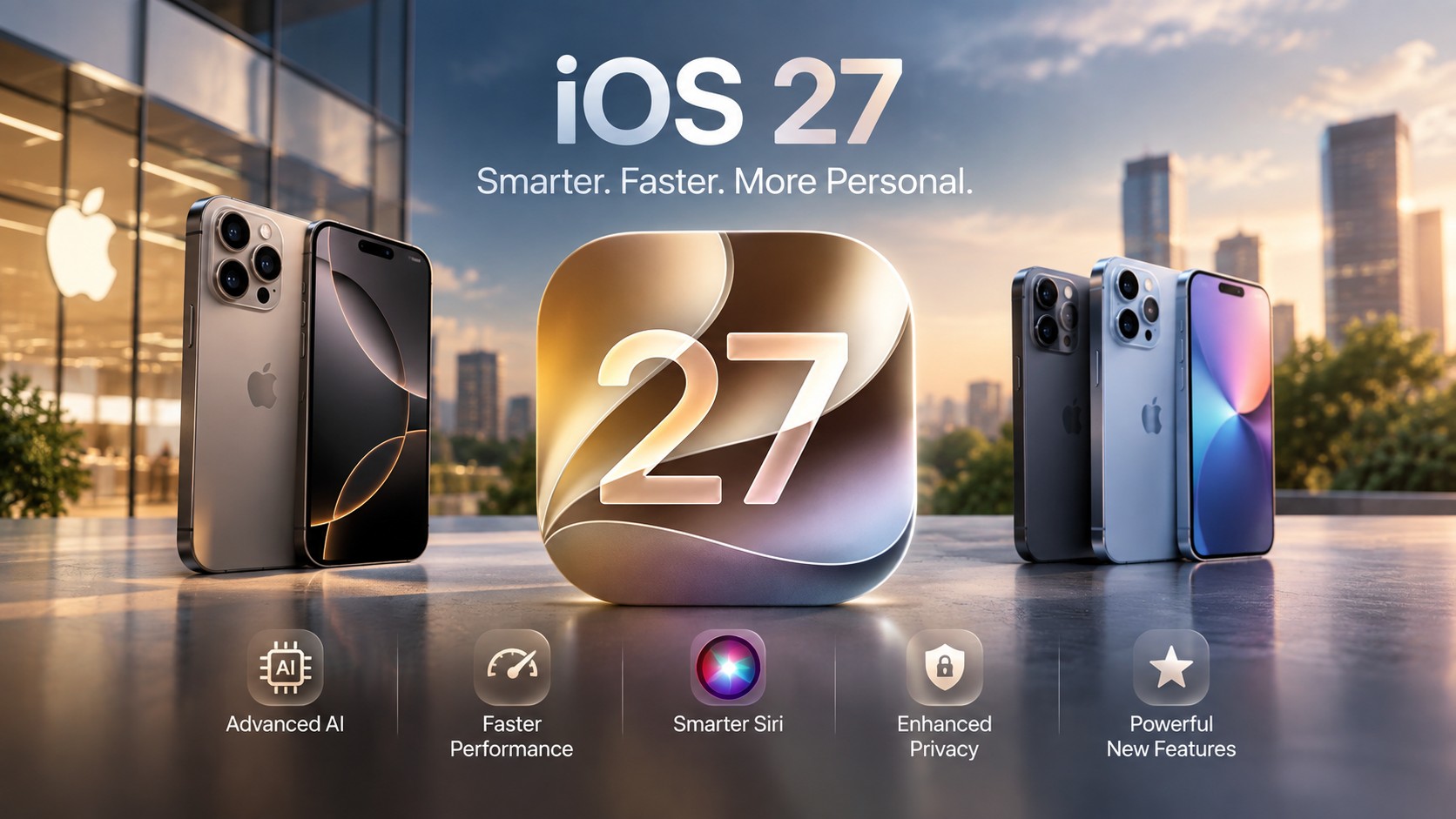
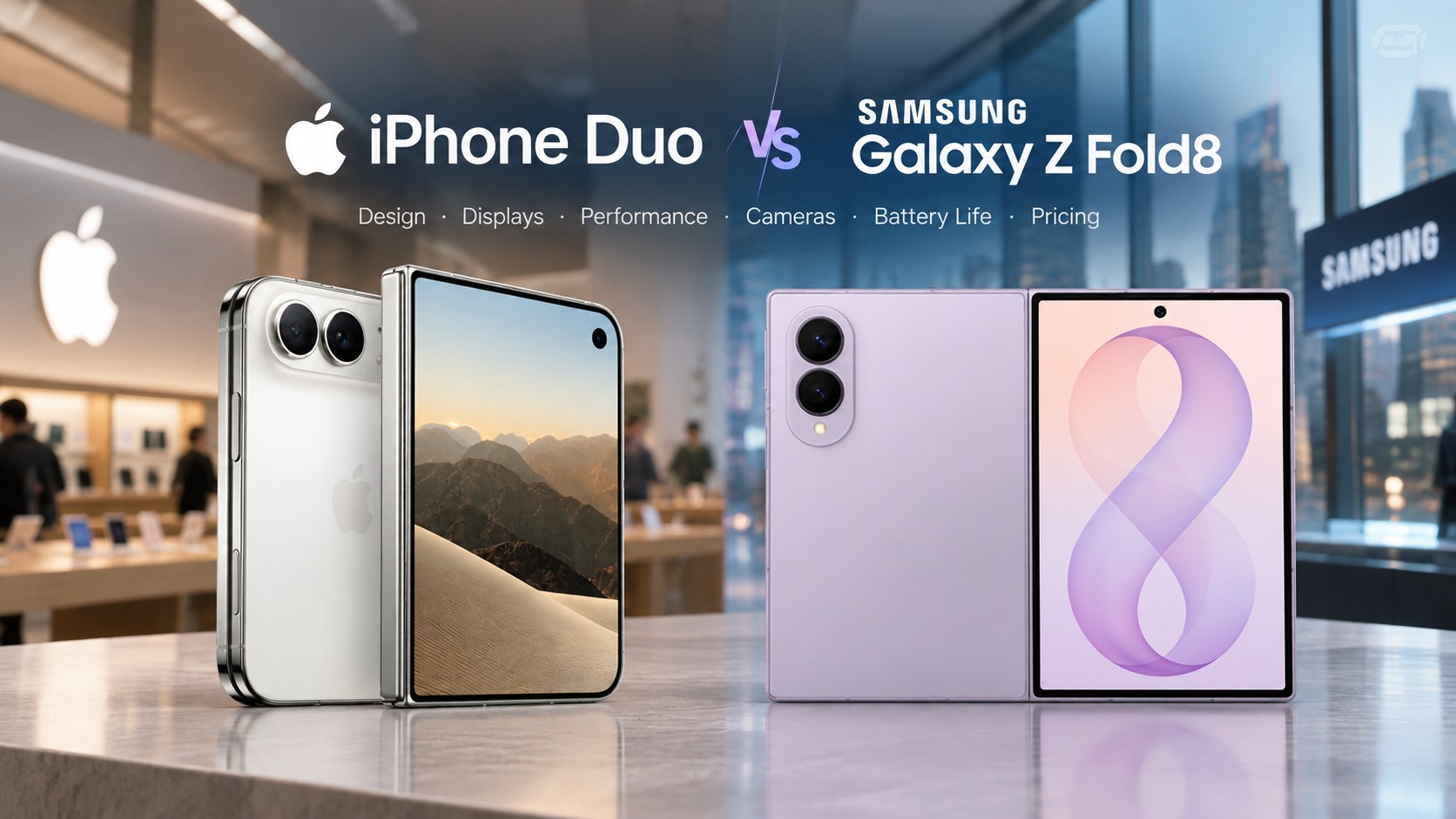
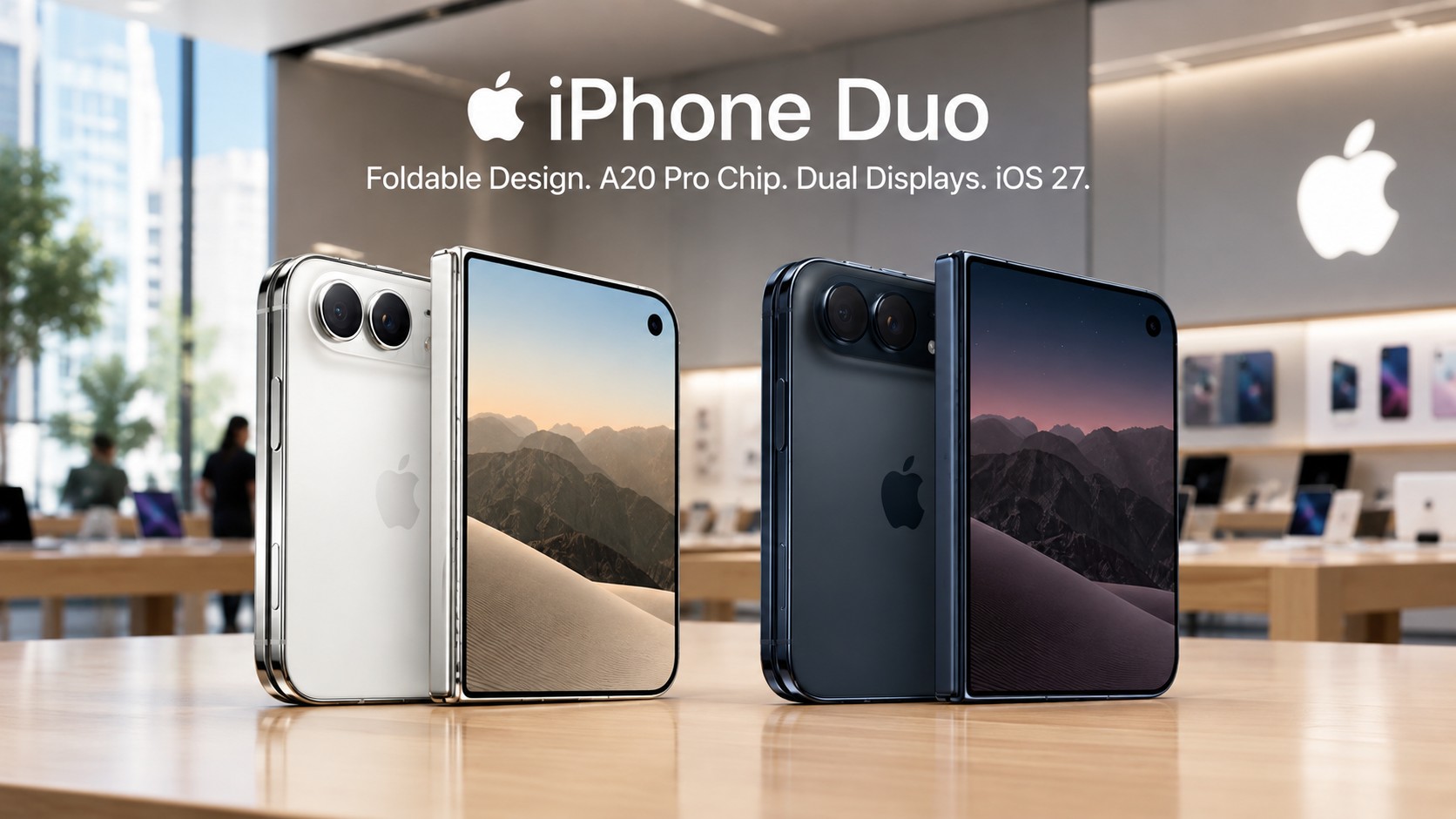
Apple officially deployed its latest flagship operating system across compatible mobile devices on September 14, 2026. This major platform upgrade introduces transformative iOS 27 Features designed to optimize hardware efficiency and system intelligence. Additionally, brand new hardware models like the iPhone 18 Pro and iPhone Duo run the system out of the box. Users can install the over-the-air update directly through the standard Settings application on supported devices.
Backward hardware support extends to legacy devices starting directly with the iPhone 11 series. However, advanced artificial intelligence capabilities strictly require an A17 Pro processor or newer architecture. This processing boundary ensures efficient execution of complex machine learning models across modern iPhone models. Legacy devices still receive substantial underlying speed boosts and stability improvements across core applications.
Advanced Siri AI Architecture and Deep Machine Learning
Apple completely redesigned its virtual assistant around generative foundation models to deliver natural language processing. Specifically, engineers combined internal model frameworks with Google Gemini technology to enhance world knowledge. Users can engage in continuous back-and-forth dialogue without repeating earlier contextual information or prompts. A dedicated Siri application syncs conversational history privately across registered Apple devices via iCloud.
The assistant scans personal context across Mail, Messages, Photos, and Calendar to execute complex tasks. Furthermore, onscreen awareness enables Siri AI to analyze real-time text and visual elements on screen. Dedicated camera modes quickly calculate receipt splits and retrieve nutritional data from real-world food items. Consequently, systemwide Write with Siri tools assist users by drafting and editing text in any app.
- Enhanced world knowledge
- Continuous dialogue context
- iCloud history sync
- Real-time text analysis
- Visual element scanning
- Automated receipt splitting
- Food nutrition retrieval
- Systemwide text drafting
- Cross-app editing tools
Quantitative System Performance Benchmarks
Deep operating system optimizations significantly accelerate routine user interactions across all supported iPhone models. Meanwhile, native and third-party applications launch up to thirty percent faster than on previous releases. Photos load up to seventy percent faster inside the media library following fresh camera captures. Peer-to-peer AirDrop transfer speeds gain an impressive eighty percent throughput increase during file sharing.
Quantitative testing demonstrates substantial performance improvements across vital system subsystems and network protocols. An optimized central processing unit scheduler manages computational resources efficiently during heavy processing loads. Moreover, Connectivity Assist maintains smooth cellular connections when users transition away from local Wi-Fi networks. Failed iMessage media uploads now retry automatically in the background without interrupting active text conversations.
| Subsystem Benchmark | Baseline Legacy Speed | iOS 27 Measured Metric | Primary System Advantage |
| Application Launching | Standard execution speed | Up to 30% faster launch | Accelerated app initiation |
| Photo Caching Speed | Standard image render | Up to 70% faster loading | Faster media library access |
| AirDrop Peer Transfer | Standard wireless rate | Up to 80% faster transfer | Rapid local file sharing |
| External Storage I/O | Baseline USB throughput | Up to 5x faster transfer | High-speed iPad drive access |
| Wi-Fi Sync Latency | Baseline connection speed | Up to 3x faster setup | Instant Vision Pro linking |
User Interface Refinements and iOS 27 Features Settings
Apple refined its signature visual design language to give users granular control over glass translucency levels. Therefore, a new continuous slider in Settings allows precise adjustments between clear and frosted looks. Users access this dedicated appearance menu to preview graphical interface changes live before applying them. Visual adjustments modify navigation toolbars, home screen folders, control centers, and lock screen notifications universally.
In contrast, previous operating system versions offered only two rigid visual presets with minimal flexibility. Specular highlights and darkened edges sharpen text legibility against complex background photos and dynamic wallpapers. Lock screen tools offer generative border expansion alongside compact clock options to display more wallpaper. Similarly, home screen customizers can place extra-large widgets for Calendar, Photos, and Music applications.
- Continuous adjustment slider
- Live appearance previews
- Modifies navigation & control centers
- Generative border expansion
- Compact clock options
- Enhanced text legibility
- Extra-large widget sizes
- Supported by Calendar
- Supported by Photos & Music
Network Continuity and Cellular Handoff Frameworks
The innovative iPhone Handoff architecture enables two separate devices to share a single cellular phone number. Subsequently, companion eSIM provisioning permits seamless switching between primary handhelds and secondary active phones. Users configure all cellular settings and companion profiles directly within the cellular menu on their primary device. Location tracking and active cellular lines dynamically follow whichever device the user actively operates.
As a result, business travelers can leave their main phone behind while keeping full communication capabilities. Telecom partners like T-Mobile and Deutsche Telekom provide explicit network infrastructure support for this service. Accordingly, cellular line management becomes significantly simpler for individuals managing multiple iPhone hardware units. Main devices retain administrative control over companion eSIM provisioning to prevent unauthorized cellular line transfers.
Digital Wellness and Child Protection Protocols
Comprehensive child protection updates provide parents with enhanced safeguards over device access and web browsing. Notably, a streamlined setup process establishes age-based restriction rules across native apps and local services. Redesigned Screen Time dashboards present daily usage trends and top application activity in clean visual formats. Clinical child development experts assisted in creating customized daily usage limits for social and gaming apps.
Likewise, customizable schedule settings restrict access to specific apps during designated school hours or bedtime. The Ask to Browse safety feature requires parental approval before children visit previously unvisited web domains. In addition, Communication Safety algorithms blur violent content and graphic imagery within shared messages and media. Parents easily manage contact permissions to prevent unauthorized communication between children and unknown individuals.
- School hour app blocking
- Bedtime restrictions
- Parental approval required
- Unvisited domain blocking
- Graphic imagery blurring
- Unknown contact blocking
- Age-based setup rules
- Clinical daily limits
Specialized Ecosystem Application Upgrades
Updated native applications incorporate specialized machine learning tools to streamline daily organizational and creative tasks. Simultaneously, the Photos app introduces Spatial Reframing, generative border expansion, and enhanced object removal capabilities. Safari automatically groups open web browser tabs by topic and alerts users to webpage content changes. Natural language prompts allow users to construct custom browser extensions without requiring complex manual coding.
Smart home controls add four-kilowatt security video support and natural language search across recorded security clips. Besides, Cycle Tracking inside the Health app introduces specialized monitoring support for perimenopause and menopause. AirPods gain custom equalizer adjustments while syncing gym equipment heart rate data directly into the iPhone. Ultimately, independent alarm volume sliders resolve long-standing audio configuration complaints across diverse operational settings.
- Spatial Reframing
- Generative Borders
- Topic Tab Grouping
- Content Change Alerts
- 4kW Security Video
- NL Clip Search
- Cycle Tracking
- Menopause Monitoring
- Custom Equalizer
- Gym HR Data Sync
- Independent Alarms
- Custom Volume Sliders
Strategic Industry Impact and Architectural Conclusions
Apple’s latest software operating system emphasizes hybrid artificial intelligence integration across hardware and cloud infrastructure. Conversely, intensive computational processing relies heavily on Private Cloud Compute to safeguard sensitive personal data. Hardware processing limits encourage hardware upgrades while maintaining essential operational performance for existing device owners. Advanced on-device speech models deliver localized voice customization on flagship hardware models like iPhone Air.
International regulatory standards continue to influence how advanced software features deploy across different regional markets. Staggered feature rollouts highlight growing compliance requirements under European and Asian digital market regulatory frameworks. Carrier integrations like dual-device handoff forge deeper strategic alignment between hardware manufacturers and telecom networks. This milestone operating system establishes a stable, intelligent foundation for future mobile software platform innovations.
Support Our Work
Help us keep creating and maintaining our projects. We appreciate your support!
Ways to contribute:
Shop via Affiliate LinksSupport us at no extra cost to you while you shop.
Support on Ko-fiBuy us a coffee to keep the engine running!




Leave a Reply