


- FAST RUNS IN THE FAMILY — The 14-inch MacBook Pro with the M5 Pro or M5 Max chip brings next-generation speed and powerf…
- BUCKLE UP — Along with a next-generation CPU, faster unified memory, and up to 2x faster SSD storage,* M5 Pro and M5 Max…
- BUILT FOR AI — Apple silicon, and every major component that powers it, is designed to run demanding on-device AI worklo…
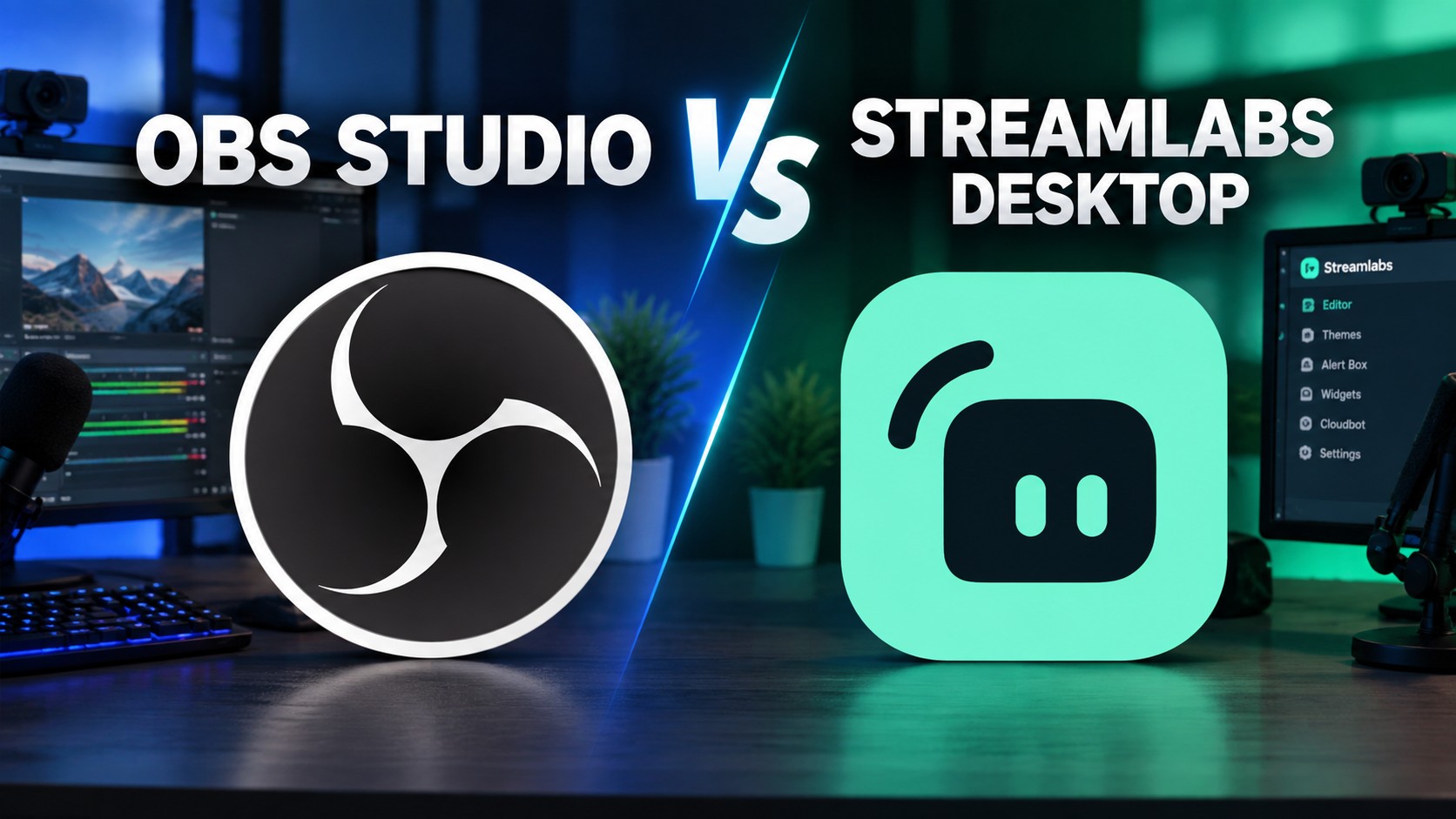
Understanding OBS Studio vs. Streamlabs Desktop in Modern Live Production
Content creators choosing live broadcasting software frequently compare OBS Studio vs. Streamlabs Desktop for their streaming workflows. Both software platforms offer powerful encoding engines for high-definition video broadcasting. However, their structural designs serve fundamentally different creator priorities across the streaming industry. One application relies entirely on open-source community innovation for maximum system efficiency. Meanwhile, the other provides an integrated toolsuite designed for immediate turn-key convenience. Selecting the right encoding software heavily shapes channel presentation and hardware stability.
Live streaming requires reliable video capture alongside flexible visual scene customization. Consequently, broadcasters must evaluate trade-offs between system resource overhead and built-in interactive widgets. Active software development through 2025 and 2026 has introduced significant new capabilities. These software updates affect encoding workflows, audio mixer controls, and audience engagement features. As a result, creators regularly reexamine software choices as production demands expand. Examining recent feature deployments reveals how each platform targets distinct broadcast needs.
Technical Architecture and System Performance Capabilities
System resource allocation represents a primary distinction between these popular streaming programs. OBS Studio uses a lightweight C/C++ codebase that minimizes CPU memory consumption. Specifically, hardware encoding allows fluid 1080p output at 60 frames per second. macOS users benefit from Apple Metal graphics API rendering for optimized GPU performance. Furthermore, overall software stability remains high even during intense gaming sessions. Low system footprint makes open-source software ideal for dedicated gaming rigs.
Streamlabs Desktop operates the core OBS engine within an Electron interface wrapper. This graphical framework consumes additional central processor and system RAM resources. In contrast, mid-range computers may experience occasional frame dropping during demanding tasks. Dedicated hardware encoders like NVIDIA NVENC help mitigate graphical rendering bottlenecks. Background resource usage remains a crucial factor for dual-pc and single-pc streamers alike. Therefore, performance-minded broadcasters often choose lean code over packaged aesthetic features.
- ✔ Lightweight C/C++ codebase minimizes memory consumption
- ⚡ Hardware encoding for fluid 1080p @ 60fps
- 🍎 Apple Metal graphics API rendering for macOS users
- 🎮 High software stability during intense gaming sessions
- 💻 Low system footprint ideal for dedicated gaming rigs
- ✔ Operates core OBS engine within an Electron interface wrapper
- 📈 Consumes additional central processor and system RAM
- ⚠ Occasional frame dropping possible on mid-range computers
- 🖥 Relies on dedicated hardware (NVIDIA NVENC) to mitigate rendering bottlenecks
- ⚖ Background resource usage heavily impacts single-pc vs dual-pc setups
Core Features and Ecosystem Innovations
Recent release cycles highlight rapid feature progression across both live broadcasting tools. OBS Studio 32 introduced a complete rewrite of its native audio mixer engine. Additionally, version 32.2 added a source creation dialog featuring thumbnail visual previews. Crash-resilient Hybrid MP4 and Hybrid MOV output formats prevent loss of unfinalized recording files. For instance, sudden system shutdowns no longer corrupt ongoing high-resolution video recordings. A native plugin manager now streamlines installation of third-party broadcast filters.
Streamlabs Desktop expands capabilities through artificial intelligence and integrated viewer tools. Its dedicated AI hub includes tools like Game Pulse and automated stream highlight generators. Moreover, native dual-canvas streaming enables simultaneous horizontal and vertical broadcasts. Creators can stream to traditional video platforms alongside vertical mobile short-form feeds. Direct Kick platform integration supports native chat authentication and mid-stream category edits. Thus, social broadcasters obtain automated distribution tools without managing external software modules.
- 🔊 Complete rewrite of native audio mixer engine (v32)
- 📷 Source creation dialog with thumbnail visual previews
- 💾 Crash-resilient Hybrid MP4 & Hybrid MOV output formats
- 📑 Native plugin manager for streamlined third-party installation
- 🎯 Dedicated AI hub featuring Game Pulse
- ✂ Automated stream highlight generators
- 📱 Native dual-canvas (horizontal & vertical feeds simultaneously)
- 💬 Direct Kick platform integration & chat authentication
Feature and Specification Breakdown
Directly evaluating technical specifications clarifies core operational differences between platforms. Software licensing models create distinct cost structures for long-term production use. For example, comparing licensing terms reveals open source versus subscription software models. The structured table below outlines key features, resource demands, and pricing tiers.
Operating costs represent a major consideration for content creators selecting streaming tools. OBS Studio delivers unrestricted access to all features completely free of charge. Conversely, Streamlabs restricts premium capabilities behind its Ultra subscription tier. Streamlabs Ultra costs twenty-seven dollars per month or one hundred eighty-nine dollars annually. Paid subscriptions unlock cloud multistreaming and vast overlay design libraries. Free Starter tiers handle single-destination broadcasting for newer content creators. On the other hand, advanced multistreaming without fees requires third-party OBS extensions. Financial requirements dictate software suitability based on channel monetization status.
| ⚖ Feature / Specification | 🎥 OBS Studio | 📺 Streamlabs Desktop |
|---|---|---|
| 📄 Core Software License | Free and Open Source | Freemium / Proprietary Shell |
| 💰 Subscription Pricing | 100% Free | Free Starter / $27/mo Ultra |
| 💻 System Overhead | Low CPU & Memory Usage | Higher RAM/CPU Overhead |
| 🔊 Audio Processing | Overhauled Native Mixer | Standard OBS-derived Mixer |
| 📡 Multistreaming Support | Free via Community Plugins | Ultra Subscription Required |
| 🤖 AI Tool Suite | Community AI Plugins | Built-in AI Hub Suite |
| 🎨 Overlays & Themes | Manual Browser Sources | 250+ Built-in Templates |
Strategic Outlook and Recommendations for Broadcasters
Platform extensibility creates another key operational divide between open software and commercial packages. OBS Studio relies on community developers for specialized production feature expansions. In addition, tools like Advanced Scene Switcher enable conditional logic scene transitions. Machine learning plugins provide local speech-to-text transcriptions without ongoing API subscription costs. On the contrary, closed ecosystems limit deep code modifications to vendor updates. Independent plugin developers actively maintain custom audio filters and video shaders.
- 🔧 Unmatched Extensibility: Relies on independent community developers for deep specialized feature expansions
- 🔄 Advanced Automations: Tools like Advanced Scene Switcher enable complex conditional logic transitions
- 📝 Free Machine Learning: Local speech-to-text transcriptions without ongoing API subscription costs
- ✅ Target Audience: Experienced creators prioritizing low latency and maximum customizability for long-term growth
- 🎨 Integrated Ecosystem: Alert overlays natively built into scene layouts directly from the interface
- 💰 Monetization Ready: Built-in tipping widgets collect donations with standard payment processing structures
- 🚀 Turn-key Setup: Fast onboarding wizards accelerate channel launches for first-time broadcasters
- ✅ Target Audience: Beginner or social broadcasters seeking automated tools without managing external modules
Streamlabs Desktop integrates alert overlays and payment handling directly into scene layouts. Built-in tipping widgets collect donations with standard payment processing fee structures. Instead, experienced creators often prioritize low latency over automated setup wizards. Fast turn-key onboarding benefits beginner streamers launching channels for the first time. Software selection ultimately balances technical customizability against out-of-the-box convenience. Ultimately, creators must choose the application that best supports long-term production growth.
Support Our Work
Help us keep creating and maintaining our projects. We appreciate your support!
Ways to contribute:
Shop via Affiliate LinksSupport us at no extra cost to you while you shop.
Support on Ko-fiBuy us a coffee to keep the engine running!


Leave a Reply