


- Google Pixel’s iconic design meets the latest evolution of the Pixel Camera on the new Pixel 11; Gemini Intelligence hel…
- Unlocked Android phone gives you the flexibility to change carriers and choose your own data plan: Works with Google Fi,…
- Sleek, solid, and built to last: Pixel 11 has the slimmest camera bar yet in its class, a smooth satin back, and ultra-d…
Streamlining Commercial Communication and Spam Prevention
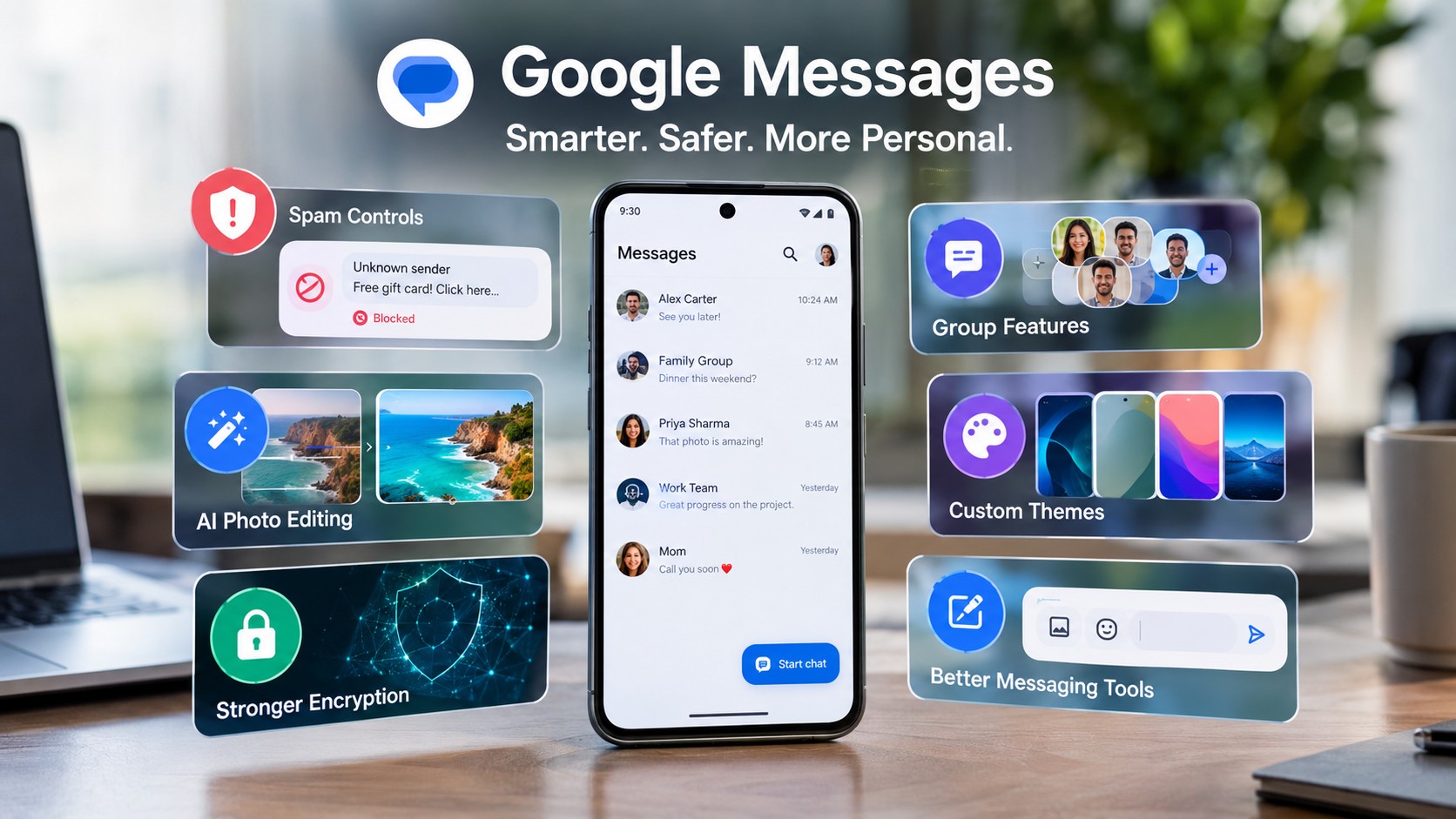
Google Messages New Features transform how mobile subscribers handle high daily volumes of incoming text traffic. Specifically, a prominent Unsubscribe button now allows users to halt unwanted corporate messaging streams quickly. Tapping this dedicated control triggers an automated opt-out command sent directly to business short codes. Consequently, consumers stop receiving non-essential promotional announcements while retaining control over their inbox choices.
Furthermore, an intuitive feedback interface collects user reasons for canceling commercial subscription services. Critical transactional notifications like flight updates and authentication codes continue arriving without service interruption. Automated link detection algorithms evaluate incoming messages to warn users about potential security threats. This active filtering system lowers inbox clutter while preserving essential communication channels across devices.
- Halt unwanted corporate streams
- Automated short-code opt-outs
- Intuitive feedback interface
- Critical alerts remain active
- Uninterrupted flight updates
- Secure authentication codes
- Automated algorithm checks
- Security threat warnings
- Lowers general inbox clutter
Generative Media Editing and Google Messages New Features
On-device artificial intelligence provides powerful creative capabilities directly within active conversation threads. For instance, the integrated Nano Banana model allows users to alter images through detailed descriptive text prompts. Pressing down on photos reveals custom transformation options like instant film effects or stylized figurine designs. Therefore, subscribers can quickly personalize shared media without relying on third-party photo editing software.
Additionally, a clear watermark appears on remixed artwork to maintain context and ensure digital transparency. Camera interface modifications round viewfinder corners while presenting immediate previews of recent gallery pictures. In contrast, previous camera views hid nearby media, complicating multi-photo selection during active chats. These visual modifications optimize media sharing speed while maintaining high image quality across mobile networks.
Advanced Encryption Protocols and Group Features
Modern group chat upgrades deliver expanded administrative oversight and enhanced user privacy controls. Notably, members can now retract sent group messages using the new Delete for Everyone capability. Direct contact mentions highlight specific recipients within active threads to keep discussions organized. However, participants can mute notification tones for selected group chats across custom duration settings.
Universal Profile specifications adopt Messaging Layer Security to protect cross-platform communication channels. As a result, end-to-end encryption now safeguards conversations taking place between Android and iOS users. System enhancements allow iPhone recipients to send genuine emoji reactions and formatted inline replies. These security protocols significantly reduce functional discrepancies between rival mobile messaging platforms.
Material Design Updates and Custom Styling
Material 3 Expressive guidelines introduce a cleaner visual hierarchy across primary application screens. Currently, redesigned read receipt indicators display clear status icons inside individual message bubbles. Swiping left across a text instantly reveals precise delivery timestamps and active encryption status details. Meanwhile, custom chat themes provide extensive background wallpaper personalization for individual conversation threads.
Users can select static wallpaper imagery from curated categories or upload personal photos directly. Theme modifications remain purely local, ensuring background visual choices never alter recipient displays. Floating contextual menus replace top toolbars to support precise text highlighting and partial copy actions. A dedicated Trash folder preserves deleted conversations temporarily to prevent accidental data loss.
Industry Impact and Deployment Overview
Industry strategic consolidation positions Google Messages as the primary text messaging client across Android hardware. For example, Samsung is officially phasing out Samsung Messages on modern devices in favor of Google’s client. Global adoption rates expanded rapidly, driving total Play Store installations beyond ten billion. Direct Google Keep integration enables seamless note sharing and live list editing within message windows.
| Feature Category | Current Stage | Key Functionality |
|---|---|---|
| Spam Unsubscribe | Stable Release | Stops commercial messaging streams directly |
| Nano Banana Remix | Pixel & Beta | Edits photos via text prompts |
| Custom Chat Themes | Beta Channel | Customizes chat backgrounds locally |
| Delete for Everyone | Limited Beta | Retracts sent group messages |
| MLS Encryption | Beta Preview | Secures cross-platform messaging threads |
| Keep Integration | Active Rollout | Shares notes inside conversation threads |
Web client updates replace standard QR code pairing with secure account authentication requirements. Web pairing protocols ensure personal messaging data remains protected across connected desktop web browsers. Continued software investment establishes a unified messaging standard across modern consumer device ecosystems. Systematic feature deployment ensures reliable communication performance for millions of daily active users.
Support Our Work
Help us keep creating and maintaining our projects. We appreciate your support!
Ways to contribute:
Shop via Affiliate LinksSupport us at no extra cost to you while you shop.
Support on Ko-fiBuy us a coffee to keep the engine running!






Leave a Reply