
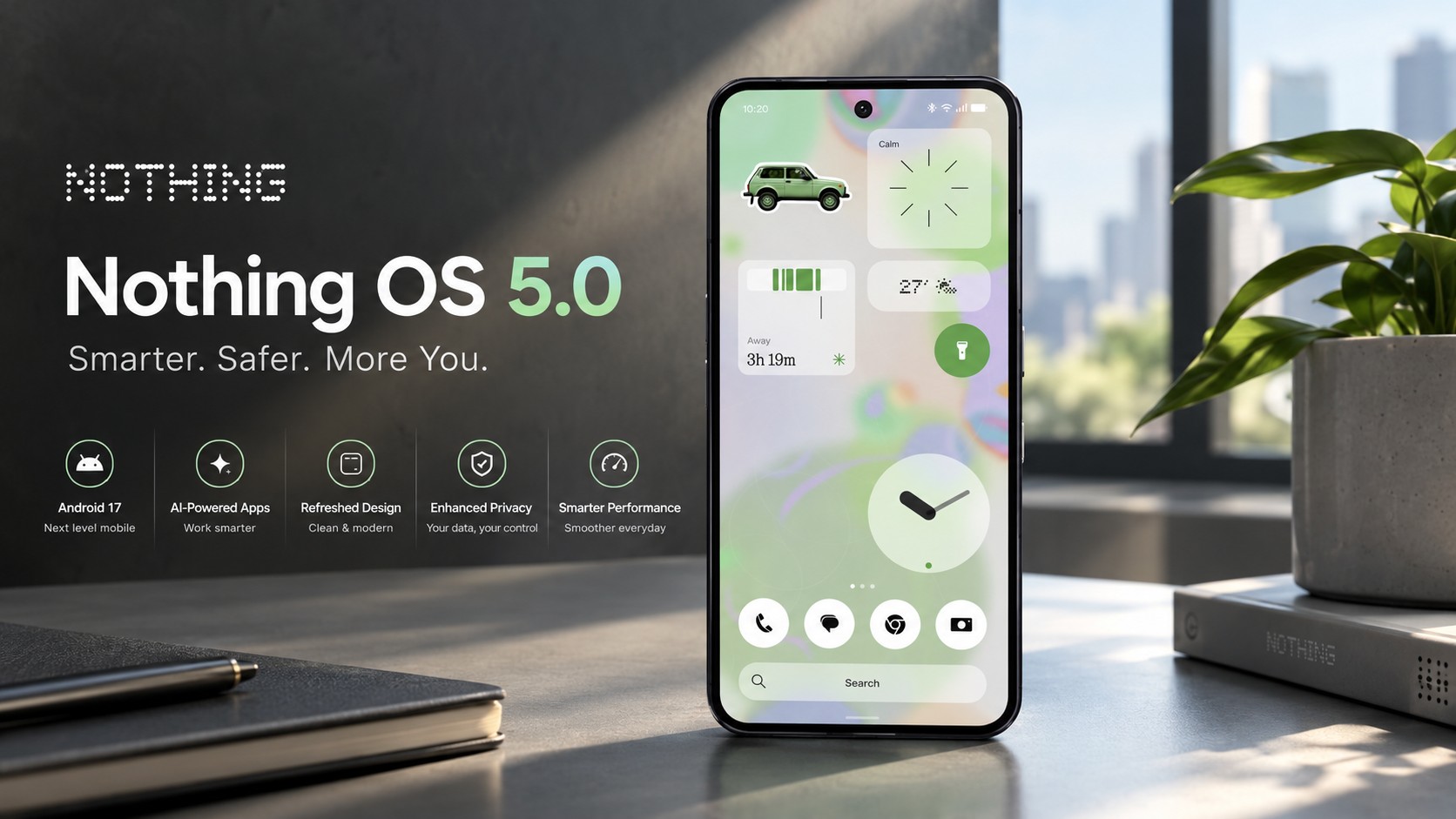

The Dawn of Nothing OS 5.0
Users across the globe anticipated the latest update. Nothing OS 5.0 officially launched on October 12, 2026. First, the stable release debuted exclusively on the Phone 3. This major upgrade brings Android 17 to supported smartphones. Developers introduced over eighty distinct changes to the ecosystem. Ultimately, these tweaks dramatically improve the everyday user experience.
A design refresh transforms visual identity. Designers implemented the Geist typeface for all system text. Meanwhile, the iconic dot-matrix typography now serves accent roles. The Lucent aesthetic introduces a frosted glass transparency effect. Consequently, transparent widgets blend seamlessly with adaptive wallpaper colors. Customization extends to the redesigned lock screen environment.
How Nothing OS 5.0 Boosts AI
Artificial intelligence takes center stage in this update. Audio transcription happens much faster via Essential Voice. Furthermore, this tool supports real-time text translation across languages. Smart Collections automatically organize saved content within Essential Space. On-device processing safeguards user privacy during AI tasks. The software learns your habits to optimize app launches.
The standout feature is Essential Apps Builder. Users provide natural language prompts to describe utilities. Subsequently, the software generates custom applications without any coding. CEO Carl Pei envisions a future without traditional apps. Therefore, these agentic AI systems represent a massive shift. Capital raises will fund these ambitious technological pursuits. Intelligent systems will eventually merge hardware and software.
Nothing OS 5.0 Rollout Schedule
The official rollout spans several months across regions. October saw the initial release for the Phone 3. Other modern devices will follow in subsequent rollout phases. However, legacy devices face a harsh software reality today. Neither the Phone 1 nor Phone 2 receives it. Android 17 upgrades demand newer kernels than those models possess.
Mid-range smartphones remain central to the roadmap. Rumors suggest an imminent launch for the 4a series. Similarly, expanding the audio lineup remains a top priority. Rising memory prices forced difficult strategic adaptations. Buyers must carefully consider storage options during device purchases. Instead, the company maintains a strong focus on affordable hardware.
Future Updates and Features
System performance sees optimizations under the hood. Faster application launch times stood out as a priority. Hence, memory management tweaks reduce unnecessary background app reloads. Bluetooth controls now reside directly within the Quick Settings. A single tap connects or disconnects paired devices.
The software includes cross-platform Quick Share functionality. Thus, sharing files with iOS devices requires no apps. Sensors now trigger enhanced visual privacy indicators. The redesigned Recents screen makes multitasking smooth. In conclusion, these refinements deliver a lightweight experience.
Support Our Work
Help us keep creating and maintaining our projects. We appreciate your support!
Ways to contribute:
Shop via Affiliate LinksSupport us at no extra cost to you while you shop.
Support on Ko-fiBuy us a coffee to keep the engine running!




Leave a Reply