
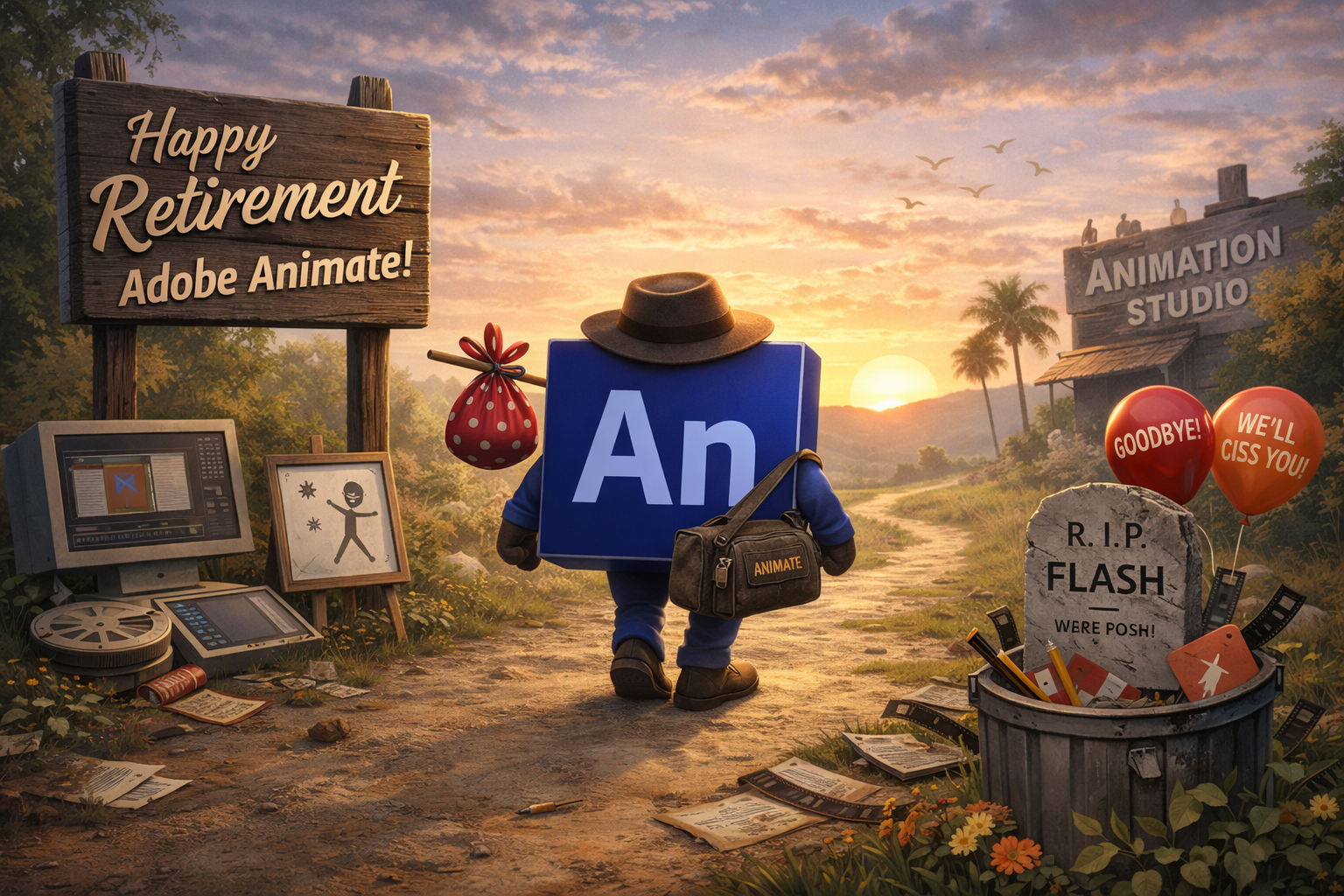
The creative world recently received a massive shock regarding a legendary tool. Adobe officially announced the discontinuation of Adobe Animate starting March 1, 2026. Consequently, many artists feel a profound sense of loss for this veteran software. It has served the industry for over twenty-five years with great distinction. Originally, this powerhouse began its life as FutureSplash Animator back in 1996. Eventually, it became the famous Macromedia Flash that shaped the early internet. Because of this legacy, the news feels like the end of an era.
The company sent out notification emails to subscribers earlier this week. Specifically, these messages detailed a strict timeline for the software’s final days. New customers cannot download the application after the March deadline arrives. However, existing users still have a small window of time for support. Non-enterprise users will receive technical assistance until March 1, 2027. Meanwhile, enterprise clients have a longer grace period lasting until 2029. Therefore, professional studios must start planning their migrations immediately to avoid disruptions.
Adobe claims that new technologies are now better serving modern user needs. Specifically, they point toward a significant shift in the creative landscape. The company is pivoting its resources heavily toward Generative AI and new paradigms. Thus, traditional vector animation is taking a backseat to automated, AI-driven workflows. Many creators argue that this move ignores the unique needs of animators. Indeed, there is no single product that fully replicates its robust features. This creates a massive gap for those who rely on vector-based interactivity.

Understanding the Support Timeline and Transition
The phase-out process follows a very specific and rigid schedule. First, the sale of new subscriptions will end in just a few weeks. Although the software remains functional, updates will effectively cease to exist. Adobe describes this state as a “maintenance mode” for current installations. Therefore, do not expect any new tools or bug fixes anymore. If you uninstall the app after 2027, you might lose access forever. Consequently, users are encouraged to archive their project files while they still can.
| User Type | Support End Date | Download Access End |
| Individual Subscribers | March 1, 2027 | March 1, 2027 |
| Enterprise Customers | March 1, 2029 | March 1, 2029 |
| New Customers | N/A | March 1, 2026 |
Because of the impending shutdown, exporting your work is now a priority. Adobe recommends converting files to formats like SWF, SVG, or MP4 soon. Furthermore, they suggest moving toward other apps within the Creative Cloud suite. Specifically, they recommend using After Effects for complex keyframe animation tasks. Additionally, Adobe Express is suggested for simpler, one-click animation effects on assets. However, many professionals feel these alternatives do not match the original workflow. Transitioning decades of work remains a daunting task for many veteran studios.
You can find official details on the Adobe Help Center regarding this transition. This page provides the formal “End of Life” FAQ for all users. Moreover, it clarifies how to access older versions through the desktop app. Always remember to check your specific license for exact support dates. Ultimately, the burden of data preservation falls solely on the creative professional.
The Massive Pivot Toward Artificial Intelligence
Adobe is clearly betting its entire future on the power of AI. During the recent Adobe MAX 2025 conference, Firefly dominated every single keynote. Consequently, older tools like Animate were noticeably absent from the main stage. The company is integrating AI models like Gemini 3 into its ecosystem. This move aims to accelerate production speeds for marketing and social media. According to recent research, most buyers plan to use AI for video. Thus, Adobe is aligning its portfolio with these high-growth industry trends.
The shift toward “Agentic AI” suggests a future of conversational editing tools. Instead of manual tweening, users might simply describe their desired motion. While this sounds efficient, it worries traditional frame-by-frame artists significantly. They fear the loss of precise control over their creative output. Furthermore, the community feels that AI-generated content lacks a human soul. Nevertheless, Adobe continues to push its “AI-first” strategy across all platforms. This focus explains why a niche tool like Animate is being sacrificed.
“As technologies evolve, new platforms and paradigms emerge that better serve the needs of the users.” — Official Adobe Support Statement.
Many animators are now looking at competitors like Toon Boom Harmony. Others are exploring Moho Animation to keep their vector workflows alive. Because Adobe offers no direct replacement, these third-party tools are seeing a surge. Some users have even petitioned Adobe to open-source the Animate code. They hope the community can maintain the software independently in the future. However, the company has not yet responded to these specific requests. The silence regarding a true 2D successor remains quite deafening for many.
Impact of Adobe Animate on Web Development and Game Design
For decades, this software was the king of interactive web content. It allowed developers to create lightweight, vector-based games and banner ads easily. Unlike heavy video files, these animations scaled perfectly to any screen size. Consequently, the loss of Adobe Animate impacts the advertising industry quite heavily. Agencies still use it for high-fidelity, interactive HTML5 Canvas experiences today. Without it, they must find new ways to build engaging web elements. Some might turn to Google’s tools or hand-coding their animations.
In the realm of game development, the impact is equally significant. Many indie developers used the software to rig characters for 2D platformers. Because it supports ActionScript and JavaScript, it was a versatile engine. Now, these developers must learn entirely new pipelines like Unity or Spine. This transition requires significant time and financial investment from small teams. Furthermore, legacy games built on these platforms may become harder to maintain. The digital preservation of 2D gaming history is now at risk.
Check out the latest industry reactions on PCMag for more context. They discuss the frustration of artists who rely on this for their livelihood. Additionally, many forums are filled with advice on alternative software options. It is clear that the community is not going down quietly. They are actively seeking ways to protect their professional futures and portfolios.
Adobe Animate: The Legacy of Flash and Future Horizons
We must remember that Animate was the successor to the Flash era. It successfully transitioned away from the dying Flash Player in 2016. By adopting HTML5 standards, it stayed relevant for another full decade. Therefore, its sudden death feels especially cruel to those who stayed loyal. The software powered iconic shows like My Little Pony and Total Drama. It nurtured a whole generation of internet creators and viral animators. Consequently, its fingerprints are all over the modern digital landscape we enjoy.
Although the tool is fading, the skills of the animators remain. Principles of squash and stretch do not depend on specific software. Thus, talented artists will likely find success in other creative environments. They might embrace the new AI tools to speed up their work. Or, they might stick to traditional methods in specialized, boutique applications. Whatever the choice, the spirit of 2D animation will certainly survive. The medium is simply moving into a new, albeit uncertain, chapter.
For a deeper dive into the history, visit Animation Magazine. They provide an excellent recap of the shows powered by this technology. Also, they highlight the “shocker” nature of this week’s sudden announcement. Reading about the software’s history helps put the current loss into perspective. It reminds us how much one program can influence global culture.
Preparing for the Final Countdown of Adobe Animate
If you are a current user, do not wait until 2027. Begin by auditing your entire library of .FLA and .XFL files. Then, decide which projects need to be converted to modern video. You should also explore the Puppet Tool in After Effects today. It offers some similar capabilities for character rigging and movement. Furthermore, consider joining community groups to share tips on the transition. Collaborating with other artists can make the migration feel much less overwhelming.
Adobe is focusing on “Content at Scale” and “Brand Amplification” now. Their new tools are designed for high-velocity marketing environments, not hand-crafted art. Therefore, the traditional animator must adapt to a faster, automated world. While this shift is difficult, it also presents new opportunities for growth. You might discover that AI can handle the repetitive “in-betweening” tasks. This could leave you more time for character design and storytelling. Ultimately, the goal is to keep creating, regardless of the software.
The era of Adobe Animate is drawing to a permanent close. We should celebrate its massive contribution to the digital art world. It gave a voice to millions of creators across the entire globe. Although the sun is setting, a new digital dawn is approaching fast. We must prepare ourselves for the AI-driven future that Adobe envisions. Stay curious, keep drawing, and never stop animating your wildest dreams.
2026 Comparison: Professional Alternatives to Adobe Animate
| Software | Best For | Pricing Model | Key Advantage |
| Toon Boom Harmony | High-End TV & Film | Subscription | The industry standard for professional studios. |
| Moho Pro | Character Rigging | Perpetual License | Exceptional “Smart Bones” for easy 2D rigging. |
| Blender (Grease Pencil) | 2D/3D Hybrid Art | Free (Open Source) | Combines 2D drawing within a powerful 3D space. |
| OpenToonz | Traditional & Ghibli Style | Free (Open Source) | Professional tools used by Studio Ghibli. |
| Rive | Interactive Web & Apps | Subscription | The spiritual successor for interactive web runtime. |
| Wick Editor | Simple Web Games | Free (Web-based) | Great for beginners making Flash-style browser games. |
Which One Should You Choose?
- If you miss the “Flash” coding vibe: Check out Rive. Because it focuses on real-time interactivity and lightweight web exports, it fills the gap left in the advertising and UI/UX markets.
- If you want to own your software forever: Consider Moho Pro. Unlike Adobe’s monthly drain, a one-time purchase gives you a robust vector-based toolkit that focuses on efficiency.
- If you are on a budget: Blender is the clear winner. Although the learning curve is steep, the Grease Pencil tool is arguably more advanced than anything Adobe currently offers for 2D.






Leave a Reply